How the WhatsApp Verified Badge Impacts Trust and Conversion

Cekat AI

Two businesses with similar products contact prospective customers via WhatsApp. One business appears with a plain name. The other appears with a small blue tick next to its name. The second business consistently has a higher response rate, and its conversion rate for large fund transfers is also higher.
This blue tick is Meta’s verified badge. It signals that the WhatsApp Business API account has been verified by Meta as a legitimate and reasonably known business. For consumers increasingly cautious about online fraud, this mark works as an instant trust signal.
This guide covers what the WhatsApp verified badge is, how it differs from the often-confused blue tick (read receipt), the requirements to obtain it, its impact on business, and the most common rejection reasons.
Key Advantages
- Instant credibility: The verified badge is a visual verification that your business is legitimate in Meta’s eyes, reducing customer skepticism on first interaction.
- Higher conversion on high-value transactions: Customers are more comfortable transferring funds to a verified account than an unverified one.
- Brand protection: Meta is more responsive to impersonation reports from verified accounts, reducing the risk of fake accounts using your business name.
- Long-term credibility: The verified badge is a brand asset that grows in value over time and cannot be faked.
What the WhatsApp Verified Badge Is
The verified badge (blue tick) is a visual mark from Meta stating that the WhatsApp Business API account has been verified as a business that is notable (known), authentic (real), and complete (has a complete profile).
Unlike the basic business verification required by every WhatsApp Business API account, the verified badge is high-level verification. Not every business-verified API account automatically gets the blue tick. Meta selectively grants it based on fairly strict criteria.
The badge appears at several customer touchpoints:
- In the WhatsApp conversation header on the customer’s screen, next to the business name.
- In the customer’s chat list, when a message from the business appears.
- In WhatsApp notification previews.
Requirements for the Verified Badge
Meta evaluates three main criteria for granting the verified badge.
Criterion 1: Notability. The business must be publicly known in its industry or region. Meta checks: coverage in major media, Wikipedia articles (if any), presence in business directories, Google search ranking, and social media activity with significant followers.
Criterion 2: Authenticity. The business must be proven real. Legal documents (business registration, tax ID), an active official website domain, verified social media accounts (Instagram or Facebook Verified), and brand name consistency across all channels.
Criterion 3: Completeness. The WhatsApp Business API profile must be complete. An appropriate display name, clear business description, official address, operating hours, correct business category, and a professional profile photo.
All three criteria must be met. A business with a good website but not known in the media will be rejected. A well-known business with an incomplete profile will also be rejected.
For an understanding of how to structure a display name that is one prerequisite for the verified badge, see How to Set a WhatsApp API Display Name.
Business Impact
The verified badge is not just decoration. It affects real commercial metrics.

Higher response rate
Customers are more likely to reply to messages from verified accounts. For cold outreach and marketing broadcasts, this can mean a significant difference in engagement rate.
Trust on high-value transactions
For businesses that request bank transfers or payments outside formal payment gateways (such as dropshippers or B2B custom-order businesses), the verified badge directly reduces customer hesitation.
Protection against impersonation
Meta prioritizes reports from verified accounts and acts faster to shut down fake accounts imitating your brand. For high-brand-value businesses, this is asset protection.
Trust in B2B negotiations
When a B2B prospect sees the blue tick, they are more likely to see your business as serious and established, which affects the tone of initial negotiations.
How to Apply for the Verified Badge
The verified badge cannot be applied for directly by a business via the WhatsApp Business App or a regular dashboard. It must be applied for through a Meta-authorized BSP, which forwards the application to Meta.
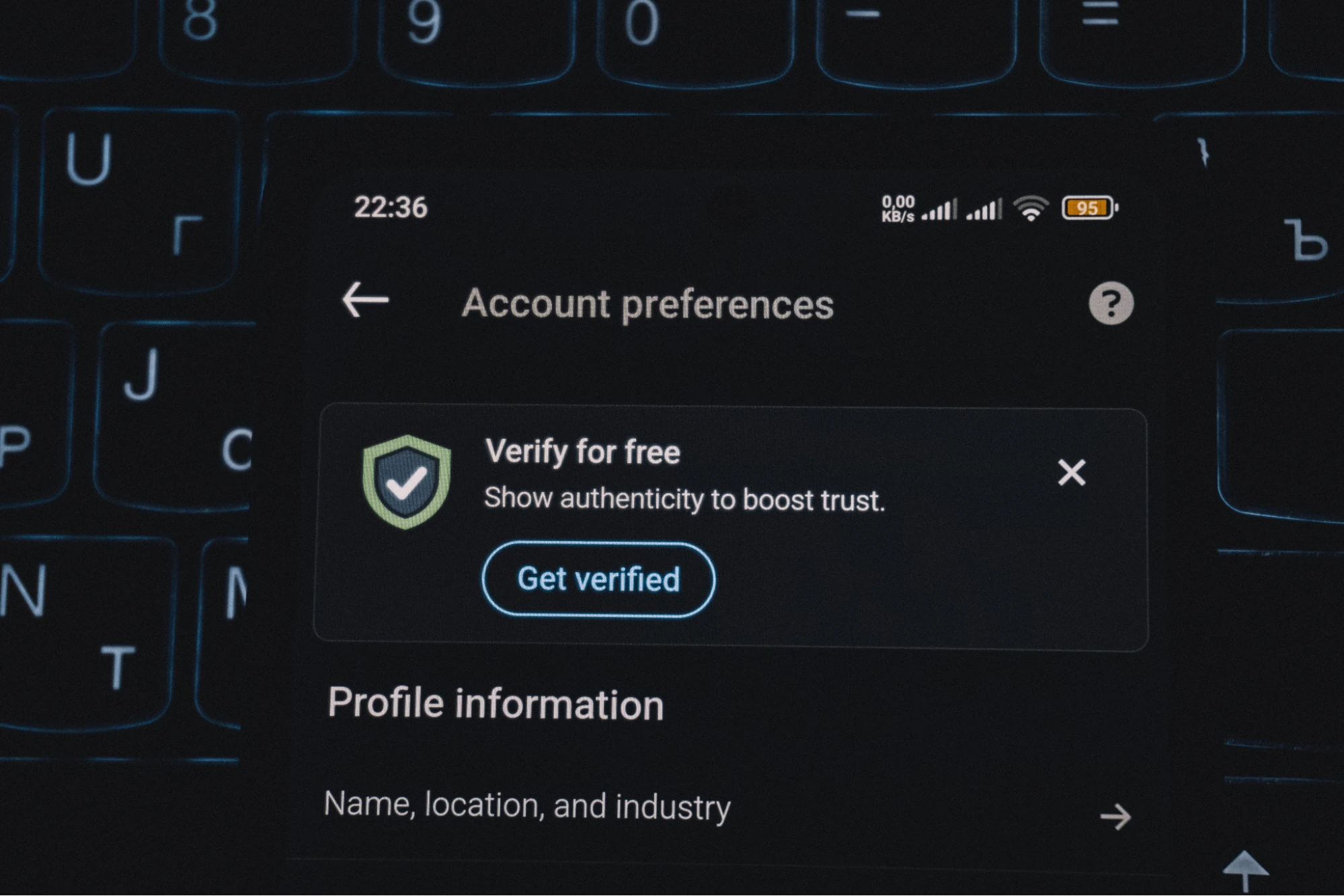
The general steps:
- Ensure the WhatsApp Business API account is active and business-verified (basic level).
- Prepare notability proof: links to media coverage, articles, Google ranking, social media followers.
- Ensure the WhatsApp profile is complete per the completeness criteria.
- Apply through the BSP by including all proof and reasons why your business meets Meta criteria.
- Wait for Meta review, which can take from several weeks to several months.
For an understanding of the BSP’s role in verified badge submission and Meta escalation, see What a WhatsApp BSP Is?.
The Most Common Rejection Reasons
Business is not sufficiently known. This is the most common reason. Meta has a high notability standard. Local SMBs without significant media coverage or digital presence are usually rejected, even if the business is legitimate.
Profile is incomplete. An empty business description, no profile photo, or incorrect business category are easily avoidable rejection reasons that happen often.
Brand name inconsistency. The name on WhatsApp differs from the name on the website, Instagram, or legal documents. Meta checks this and rejects if inconsistent.
Inactive or problematic website. Expired domain, website down when Meta checks it, or a website whose connection to the WhatsApp Business account is unclear.
Unconvincing notability proof. Submitting links to personal opinion articles or non-credible blogs as coverage proof will not be enough. Meta looks for mainstream media or industry publications.
Where the Tool Stack Fits
Applying for the verified badge requires an experienced BSP because they know how to structure an application that captures Meta reviewer attention. Some BSPs also provide pre-application consultation to assess whether your business is ready to apply or needs to strengthen notability first.
Platforms like Cekat provide a dashboard layer that helps ensure the WhatsApp Business API profile is complete and consistent, as a foundation before verified badge submission.
For WhatsApp Business API capability details that support verified badge preparation, see the WhatsApp Business API page.
Where to Start
Before applying for the verified badge, do an honest self-audit. Check your business on Google search: is there media coverage in the last 12 months? Check presence on Instagram and Facebook: are you verified there? Check the website domain: is it active and professional?
If the answer to those three questions is yes, apply now. If any are no, focus there first. Notability cannot be bought directly but can be built gradually: press releases picked up by media, collaboration with industry influencers, or content marketing that produces organic mentions.
For broader context on WhatsApp Business API and the role of the verified badge within it, see WhatsApp Business API: A Complete Guide.
Build Customer Trust with Official Verification
Every day without a verified badge is a day when your customers have to guess whether your business WhatsApp account is real or not. For industries with high fraud risk (financial services, dropshippers, online retail), the blue tick is the differentiator that decides conversion.
If you want to ensure your WhatsApp business profile is consistent and ready for verified badge submission, the CRM Application from Cekat provides integrated business identity management across channels that meets Meta’s completeness criteria.
Start a free trial to see a business profile setup ready for verification.
Or chat with our team for an audit of your business readiness to apply for the verified badge and a strategy to raise notability.


